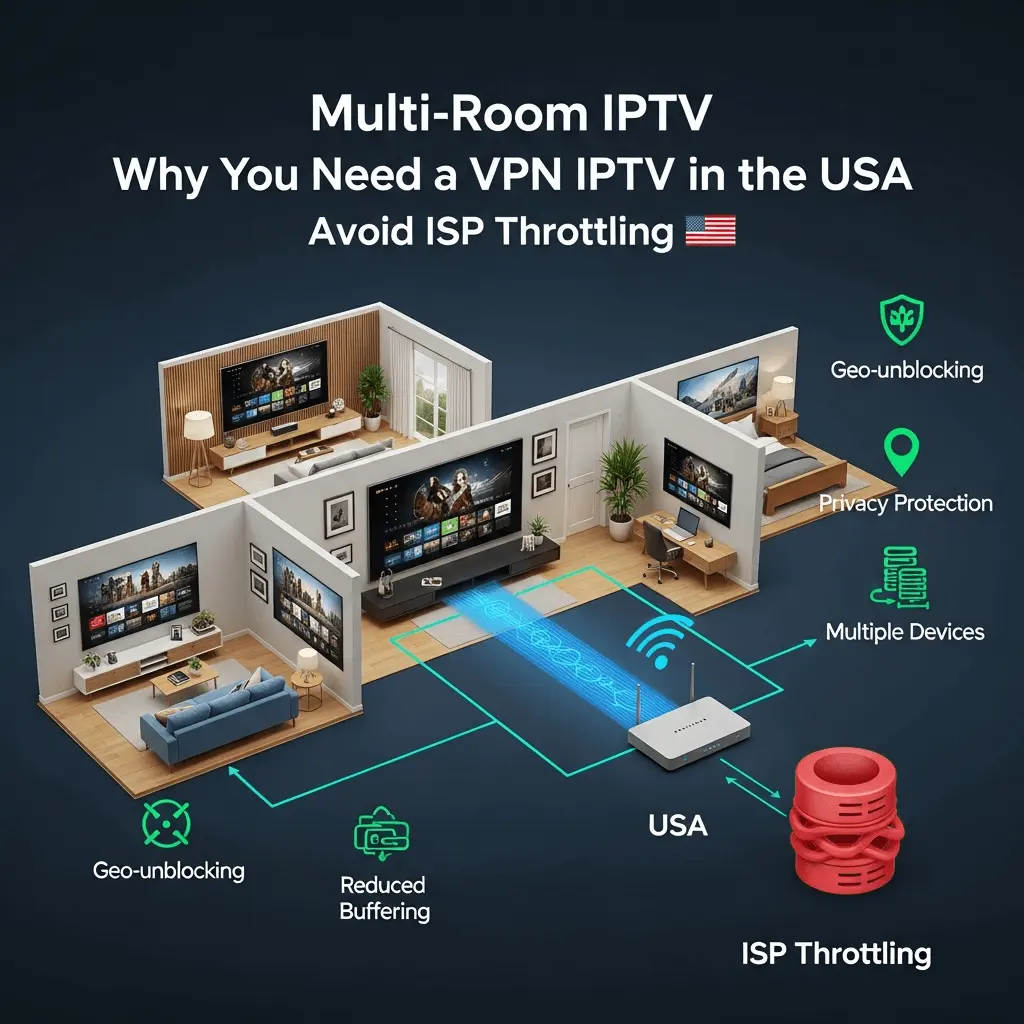
Why You Need a VPN for IPTV in the USA: Stop ISP Throttling Forever
You have a 500Mbps connection, yet your stream buffers at 8 PM. The culprit isn't the IPTV service—it's your Internet Service Provider. Here is how to fight back.
The "Invisible" Problem: Deep Packet Inspection
It is a common scenario for many cord-cutters in the United States: You switch from expensive cable to a premium service like Storuno IPTV. Everything works perfectly during the day. The 4K picture is crisp, and the channel switching is instant.
Then, prime time hits (around 7:00 PM to 10:00 PM). Suddenly, the circle of death appears. The stream loops. The quality drops. You run a speed test, and it shows you still have fast internet. So, what is happening?
This is called ISP Throttling. Major US internet providers (like Comcast/Xfinity, AT&T, Verizon, and Spectrum) use a technology called Deep Packet Inspection (DPI). They analyze the data passing through your modem. If they detect that you are streaming high-bandwidth video from an IPTV server?€”especially during peak hours?€”they artificially slow down that specific connection to save bandwidth for the rest of the neighborhood.
3 Signs Your ISP is Targeting Your Stream
The "Clockwork" Buffer
Does your stream work perfectly at 2 PM but fail at 8 PM? IPTV servers don't usually "break" on a schedule. This is a classic sign of network congestion management by your ISP.
Speed Test Discrepancies
If Speedtest.net says you have 300Mbps, but Fast.com (owned by Netflix) says you have 5Mbps, your ISP is specifically throttling video content protocols.
VPN Solves It
The ultimate test: If you turn on a VPN and the buffering stops immediately, you have 100% confirmed that your ISP was the problem, not the IPTV service.
How a VPN Creates a "Secret Tunnel"
A Virtual Private Network (VPN) encrypts your internet traffic. Imagine your data is a car driving on a highway (the internet).
Without a VPN: You are driving a convertible. The ISP (the police helicopter) can see exactly who is in the car, where you are going (Storuno servers), and what you are carrying (video data). They can put up a roadblock to slow you down.
With a VPN: You are driving an armored truck through a private underground tunnel. The ISP can see that *something* is moving, but they cannot see what it is, where it is going, or how much data is inside. Because they can't identify it as "IPTV," they cannot throttle it specifically.
Technical Benefits for Streaming
- ?œ“ Bypassing Peering Issues: Sometimes the direct route from your ISP to the IPTV server is congested. A VPN forces a different route, often bypassing bad "hops" on the network.
- ?œ“ Privacy Protection: In the US, copyright trolls monitor IP addresses. A VPN hides your real IP, keeping your browsing history private. Read our Privacy Policy for more.
- ?œ“ Geo-Unblocking: Access content restricted to other regions (e.g., watching UK sports while in the US).
Critical Features: Not All VPNs Are Equal
Free VPNs are useless for IPTV. They have data caps, slow speeds, and they sell your data. For smooth 4K streaming on Storuno's Smart 4K servers, you need a premium VPN with these specific features:
1. WireGuard® Protocol
Old VPN protocols like OpenVPN are heavy and can slow down your connection. WireGuard is modern, lightweight, and designed for high speeds. It ensures you don't trade speed for security.
2. Strict No-Logs Policy
Ensure the VPN provider is based in a privacy-friendly jurisdiction (like Panama or the British Virgin Islands) and has a verified "No-Logs" policy. This means even if the US government subpoenaed them, they would have no data to hand over.
3. Split Tunneling
This feature allows you to route only your IPTV app (like Smarters Pro or Tivimate) through the VPN, while your other apps (like domestic banking or local news) stay on your regular connection. This optimizes speed.
Setup Guide: Installing a VPN on Firestick (2025)
Since the Amazon Firestick is the most popular device for setting up IPTV, here is the quick guide to securing it.
- Choose a Provider: We recommend top-tier services like NordVPN, Surfshark, or ExpressVPN. Sign up on their website first.
- Install the App: On your Firestick home screen, go to the Find icon (magnifying glass). Search for your chosen VPN name.
- Login: Open the app and enter your credentials.
-
Configure Settings (Crucial Step):
- Go to Settings inside the VPN app.
- Set Protocol to WireGuard.
- Turn on "Auto-Connect" so you are always protected when the Firestick turns on.
- Enable "Kill Switch" (this cuts the internet if the VPN drops, preventing IP leaks).
-
Connect: Choose a server.
Pro Tip: If you are in the USA, choose a US server closest to your physical location (e.g., if you are in New York, choose New York). This minimizes latency (ping) which is vital for live sports. - Launch IPTV: Now open IPTV Smarters Pro or your preferred player. You should notice immediate stability improvements.
The Legal Gray Area: DMCA in the USA
In the United States, the Copyright Act and DMCA (Digital Millennium Copyright Act) are strictly enforced. While simply watching a stream is often considered a legal gray area compared to distributing it, ISPs are increasingly aggressive.
Many users receive "Copyright Infringement Notices" from their ISP simply for accessing unverified streaming servers. These notices can lead to:
- Temporary internet suspension.
- Permanent account termination.
- Threats of legal action.
At Storuno, we prioritize user privacy, but we cannot control your ISP. A VPN acts as your personal shield, ensuring that your viewing habits remain your business and nobody else's.
Why Storuno Works Even Better with a VPN
Storuno already includes Anti-Freeze Technology 9.0 and load balancers to ensure stability on our end. However, we cannot control the "last mile" of the connection?€”the wire from the street to your house controlled by your ISP.
"Think of Storuno as a Ferrari. It's built for speed. But if your ISP puts speed bumps (throttling) on the road, even a Ferrari drives slow. A VPN paves a new, private highway for your Ferrari to run at full speed."
Frequently Asked Questions
Does a VPN slow down my internet? ?–?
Can I use a free VPN? ?–?
Will Storuno block me if I use a VPN? ?–?
Which country server should I connect to? ?–?
Secure Your Stream Today
Don't let your ISP dictate how you enjoy your TV. Combine a premium VPN with the best IPTV service in 2025.