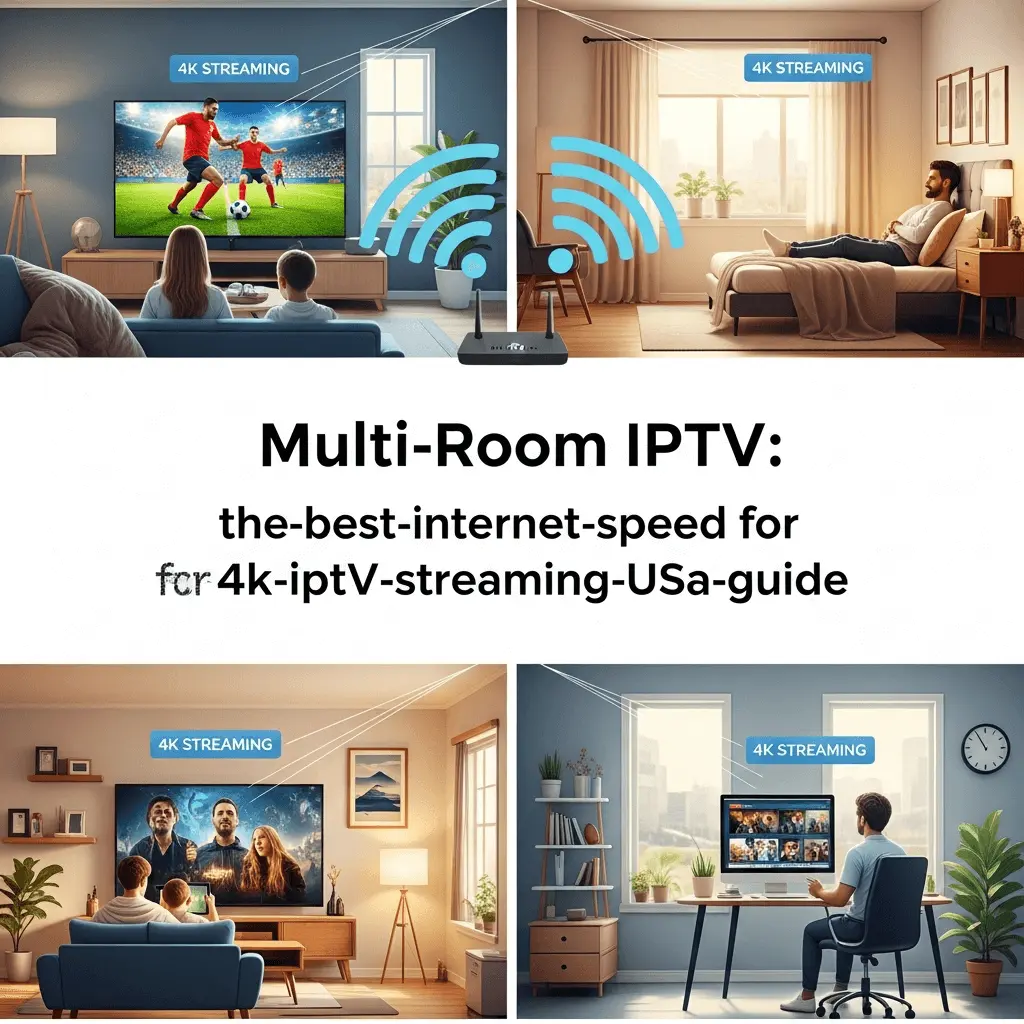
The Best Internet Speed for 4K IPTV Streaming: The USA 2025 Guide
Does your 1Gbps connection still buffer? Speed isn't the only metric that matters. Learn the exact formulas for latency, jitter, and bandwidth to unlock flawless 4K sports streaming.
Why Speed Matters More for IPTV than Netflix
Imagine this: It is the fourth quarter of the Super Bowl. Your team is down by 3 points. They line up for the field goal. You lean forward in your chair... and the screen freezes. A spinning circle appears. By the time the picture returns, the game is over, and your phone is blowing up with texts.
This is the nightmare scenario for every cord-cutter in the USA. While services like Netflix or YouTube utilize "Video on Demand" (VOD), which allows them to buffer minutes of content in advance, Live IPTV is different. Live sports happen in real-time. There is no buffer to hide behind.
To stream live 4K content reliably on platforms like Storuno IPTV, you need more than just "fast internet." You need a stable, low-latency connection optimized for continuous data throughput. In this guide, we will break down the mathematics of streaming, helping you audit your home network to ensure you never miss a play again.
The Magic Numbers: Bandwidth Requirements
Internet Service Providers (ISPs) like Comcast, AT&T, and Spectrum love to sell you "Gigabit Speed." But do you actually need 1000 Mbps to watch TV? Let's look at the actual data consumption rates for modern video compression (H.265/HEVC).
Standard Definition
480p Quality
Best for: Older mobile devices, slow DSL connections, or saving data on metered plans.
High Definition
720p / 1080p FHD
Best for: Standard streaming on 32-50 inch TVs. Most IPTV channels broadcast in this range.
4K Ultra HD
2160p HDR
Best for: Storuno Premium Channels. Requires a stable connection for high-bitrate sports and movies.
⚠️ The "Per Device" Rule
These numbers are per stream. If you have two TVs watching 4K sports simultaneously, you need 50-100 Mbps just for the TVs. This doesn't account for your kids playing Xbox or your phone backing up photos to the cloud.
Calculating Your "Household Headroom"
A common mistake users make is checking their speed test (e.g., 100 Mbps) and assuming it's enough. However, bandwidth is a finite pipe shared by every device in your home.
Example Calculation: The Smith Family
Speed is Vanity, Stability is Sanity
You can have a 1 Gbps connection and still experience buffering. Why? Because raw download speed isn't the only factor. For real-time IPTV streaming, quality of service (QoS) metrics are equally important.
1. Latency (Ping)
The time it takes for a data packet to travel from your device to the Storuno server and back.
- Excellent: < 20ms
- Good: 20-60ms
- Bad: > 100ms
2. Jitter
The variance in latency. If your ping jumps from 20ms to 200ms and back, that is high jitter. This causes streams to speed up and slow down (stutter).
Target: < 30ms
3. Packet Loss
When data pieces get lost in transit. In streaming, this manifests as "glitches," green artifacts on screen, or audio dropouts.
Target: 0%
For a deep dive into fixing these issues, read our guide on Optimizing Your Home Network.
The #1 Fix for Buffering: Go Wired
We see this in our support tickets every day. Users trying to stream 4K content via Wi-Fi through three thick walls on a Firestick plugged into the back of a TV.
Wi-Fi is susceptible to interference from microwaves, baby monitors, and your neighbor's router.
Why Ethernet (Hardwired) Wins:
- Consistent speeds (Full Duplex).
- Zero interference.
- Lower latency.
- No speed drops during peak hours.
Don't have an Ethernet port on your Firestick? You can buy a cheap Ethernet Adapter for Amazon Fire TV for under $15. It is the best investment you can make for IPTV.
The Hidden Killer: Bufferbloat
What is Bufferbloat?
When your internet connection is fully saturated (like when your son is downloading that game update), your router tries to manage the traffic by holding data in a queue (buffer). If this queue gets too large, your real-time IPTV packets get stuck in line behind the download packets. This causes massive latency spikes.
The Solution: SQM (Smart Queue Management)
Modern routers have a feature called QoS (Quality of Service) or SQM.
- Log into your router settings (usually 192.168.1.1 or 192.168.0.1).
- Look for "QoS" or "Traffic Priority".
- Set your IPTV device (Firestick/Nvidia Shield) to "Highest Priority".
- If available, enable SQM (often found in Eero, Ubiquiti, or gaming routers).
Hardware Checklist for 2025
Your internet plan is only as good as the hardware delivering it. If you are renting a generic modem/router combo from Comcast or AT&T, you are likely bottlenecking your own speeds.
Router Recommendations
- Budget: TP-Link Archer AX55 (Wi-Fi 6). Good range, handles multiple devices well.
- Premium: ASUS RT-AX86U Pro. Excellent QoS features specifically for gaming and streaming.
- Mesh (Large Homes): Eero Pro 6 or Netgear Orbi. Ensures coverage in every room.
Streaming Device Recommendations
- Top Tier: NVIDIA Shield TV Pro. The king of IPTV. AI upscaling and Gigabit Ethernet port built-in.
- Mid Range: Amazon Fire TV Stick 4K Max (2nd Gen). Supports Wi-Fi 6E. See installation guide.
- Avoid: Built-in Smart TV Apps. TVs have weak processors and slow Wi-Fi cards. Always use an external stick/box.
A Warning on Data Caps (USA Context)
Many US ISPs (specifically Xfinity/Comcast and Cox) have a 1.2 TB monthly data cap in certain regions.
Streaming in 4K consumes significantly more data than HD.
- HD Streaming: ~3 GB per hour.
- 4K Streaming: ~7 GB to 15 GB per hour.
If you watch TV for 4 hours a day in 4K, that is:
4 hours * 15 GB * 30 days = 1,800 GB (1.8 TB)
If you are a heavy user, ensure you have an "Unlimited Data" add-on with your ISP or switch to a provider like Verizon Fios or Google Fiber that has no caps.
How Storuno Handles Speed Fluctuation
Even with the best internet, speeds can dip. That is why Storuno uses proprietary Smart 4K Adaptive Bitrate technology.
Unlike traditional IPTV that forces a static high bitrate (causing buffering if your speed drops), our streams dynamically adjust. If your network congests momentarily, we subtly reduce the bitrate to keep the video playing smoothly, then ramp it back up to full 4K instantly when bandwidth returns.
Learn more about Smart 4K →Adaptive Bitrate Stability
Figure: Intelligent bitrate adjustment maintains stream continuity without buffering.
"I Have Gigabit Fiber, Why Does It Buffer?"
If you have read this far, upgraded your router, used Ethernet, and have fast speeds, but still buffer—the problem is likely ISP Throttling.
ISPs detect IPTV traffic and slow it down during peak hours. The solution is using a VPN to encrypt your traffic so the ISP cannot see what you are watching.
Read our comprehensive guide on this topic:
Fix IPTV Buffering & ThrottlingFinal Verdict: How Fast Do You Need?
| Household Type | Recommended Speed | Notes |
|---|---|---|
| Single User (1 TV) | 50 - 100 Mbps | Sufficient for one 4K stream and phone usage. |
| Couple (2 Streams) | 150 - 300 Mbps | Allows simultaneous viewing without conflicts. |
| Family / Gamer House | 500 Mbps - 1 Gbps | Necessary if gaming downloads happen while watching TV. |
Investing in the right internet plan and hardware is the foundation of a great cord-cutting experience. Once your network is solid, pair it with the best service on the market.
Risk-free. Satisfaction guaranteed.